Computer Vision I (CSCI 3240U)
Faculty of Science, Ontario Tech University
http://vclab.science.ontariotechu.ca
Check Canvas for Due Date
The goal of this lab is to stitch two images together using a homography. This is the lab where the last three weeks come together: you will use the interest points and descriptors from Lab 7 to propose correspondences, RANSAC from Lab 6 to reject the wrong ones, and least squares to estimate the homography from what survives.
Parts 1 and 2 are required. Part 3 is optional — attempt it if you have time, but it will not be marked.
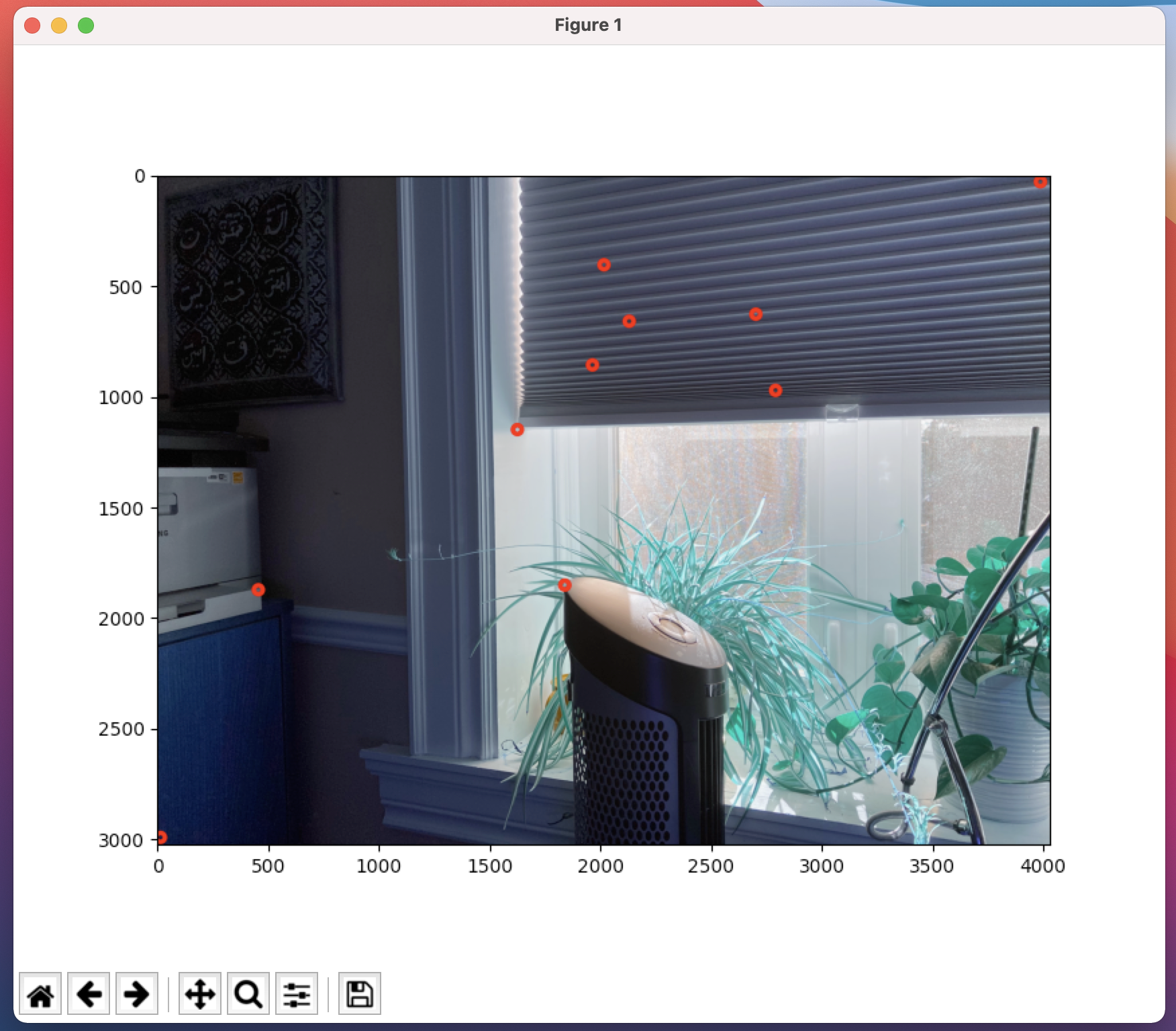
Starter code for loading the image pair, for recording your correspondences and for checking them is provided in stitching-starter.ipynb [html]; that notebook stubs the stitching pipeline with TODOs and leaves the implementation to you.
Computer Vision: Algorithms and Applications (2nd ed.), Szeliski — Sec. 8.1, 8.2.1.
Pairwise alignment; parametric motion models.
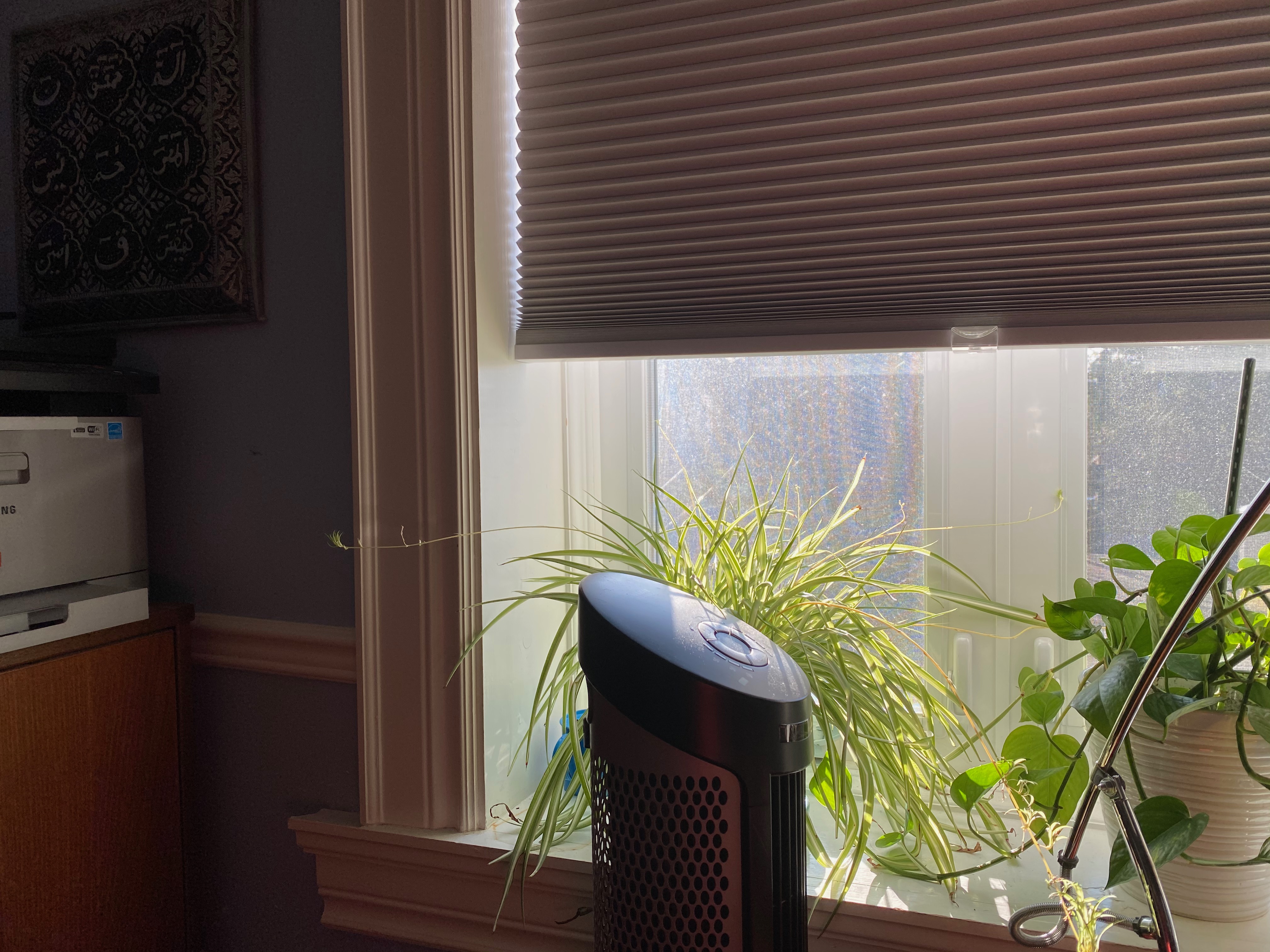
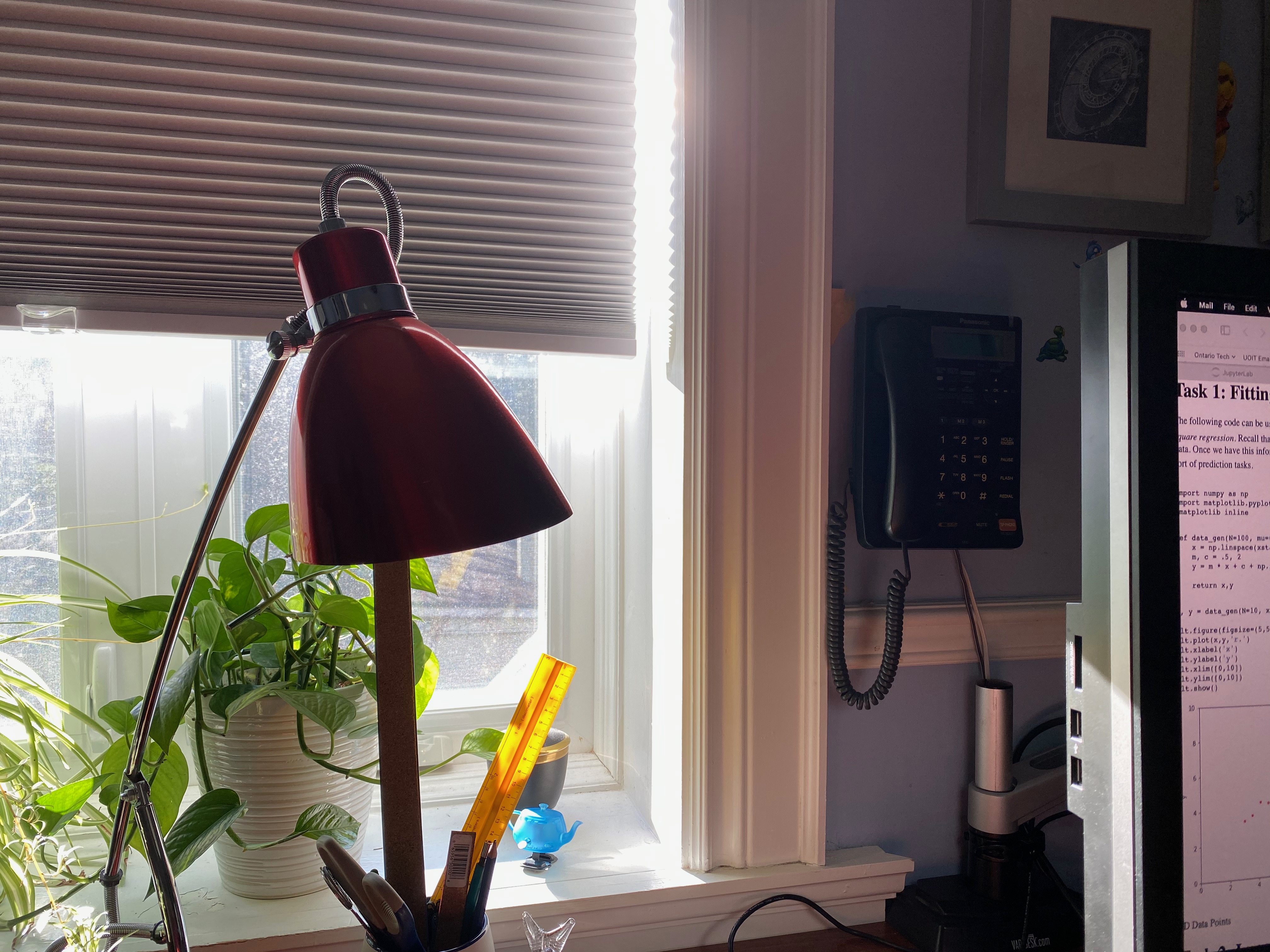
The image pair 1-left.jpeg and 1-right.jpeg, supplied beside this handout. Part 3 asks for a pair you photograph yourself.
Start with correspondences you select yourself, so that you can debug the geometry without worrying about bad matches.
Task 1. Load the left image (1-left.jpeg) and pick at least four points in order.
Task 2. Load the right image (1-right.jpeg) and pick the corresponding locations in the same order.
Task 3. Use the correspondences to estimate the homography.
Task 4. Use the homography to warp the second image into the frame of the first and stitch them together.
It is possible to complete this part using the built-in OpenCV
functions findHomography and warpPerspective,
and it is a good idea to start there so that you have something working.
You must then implement the functionality yourself:
Recall that a homography has 8 degrees of freedom, so 4 point correspondences is the minimum. What happens when you supply more than 4? Show it.
Now replace the human in the loop.
Task 5. Detect interest points in both images and compute descriptors (Lab 7).
Task 6. Match the descriptors to propose a set of putative correspondences.
Task 7. Display the putative matches. How many of them are obviously wrong?
Task 8. Use RANSAC (Lab 6) to estimate the homography robustly from these putative matches.
Task 9. Report the number of inliers and display the inlier correspondences only.
Task 10. Stitch using the resulting homography.
Compare your automatic result against your hand-picked result from Part 1. Which is better, and why?
Go for a walk and take an image pair of your favourite neighbourhood landscape. Try not to translate the camera — just rotate in place. Stitch your own pair.
The provided image pair exhibits strong parallax. Explain what parallax does to your stitching result, and why rotating in place avoids the problem.
Your notebook must contain the following.
Via Canvas. Please submit a single executed Jupyter notebook — one that has been run top to bottom, so that every figure and number listed above is visible in the submitted file. Code that has not been executed cannot be marked.